
Voxa
dictation that learns your words, and an assistant that can see your screen
- Client
- Own product
- Role
- Personal project
- Duration
- ongoing since Aug 2025
- Delivered
- 30 Jun 2026
- Status
- live
Outcomes
95%+
wake-word accuracy
From my own testing; not independently benchmarked.
2
personalisation surfaces
Custom phrases and a personal vocabulary.
0
irreversible actions without confirmation
The confirmation step is the point.
The problem
Two things break the flow of working at a desk. Typing out something you could just say, badly and slowly — and having to describe what is on your screen to something that cannot see it. Dictation tools solve the first and then mangle every proper noun and piece of jargon you use. Assistants solve the second only if you paste in the context by hand, which costs more than it saves.
Constraints
- Always-listening, so wake-word detection has to be accurate enough not to trigger on ordinary conversation and not miss the real thing
- Dictation is worthless if it mangles the words you use most — the names, the jargon, the shorthand nobody else says
- Reading the screen means capturing and understanding it inside a spoken exchange's latency budget, not a page-load's
- Desktop and cross-process: it has to reach the operating system and other applications, not live in a browser tab
- Solo project built alongside full-time work, so complexity I could not maintain was not worth having
What I did
- Built the assistant on ElectronJS and Azure Functions, with speech handled through Deepgram and Whisper
- Built the dictation surface around personalisation: custom phrases and a personal vocabulary, so the words you actually use come out right instead of being guessed at phonetically
- Wired “Hey Voxa” as the activation path — the wake word brings the assistant up so it can read what is on screen and answer about it, rather than making you describe your own screen to it
- Split the Node.js backend into separate services for command processing, intent classification and entity extraction, so the assistant carries state across turns instead of treating every utterance as new
- Put a confirmation step in front of anything irreversible: the drafted action is shown and has to be approved before it runs
The hard part
Wake-word detection is a trade-off with no comfortable setting. Tuned sensitive, it fires during a phone call and starts transcribing; tuned strict, the user says the wake word twice and stops trusting it. The confirmation step exists for a related reason: the honest answer to “what if the intent classifier is wrong about sending this email” is not a better classifier, it is showing the user the email.
Outcome
Voxa runs as a working desktop app. Dictation learns the phrases and vocabulary you give it, “Hey Voxa” brings up an assistant that can read the screen and answer about it, and anything destructive or outbound goes through a confirmation step first. Wake-word accuracy sits above 95% in my own testing.
What this did not do
- The 95% figure is my own measurement in my own environment, not a third-party benchmark. Different room, different microphone, different accent — I would expect it to move.
- It is a personal product at v0.0.4, not supported software. There is no SLA and no support rotation behind it.
- Screen reading is only as good as what is legible on screen. Dense interfaces and anything conveyed by colour alone are where it struggles.
- Integration coverage is deliberately narrow. I built the handful of actions I use daily rather than a broad catalogue that would all be shallow.
Stack
Screens
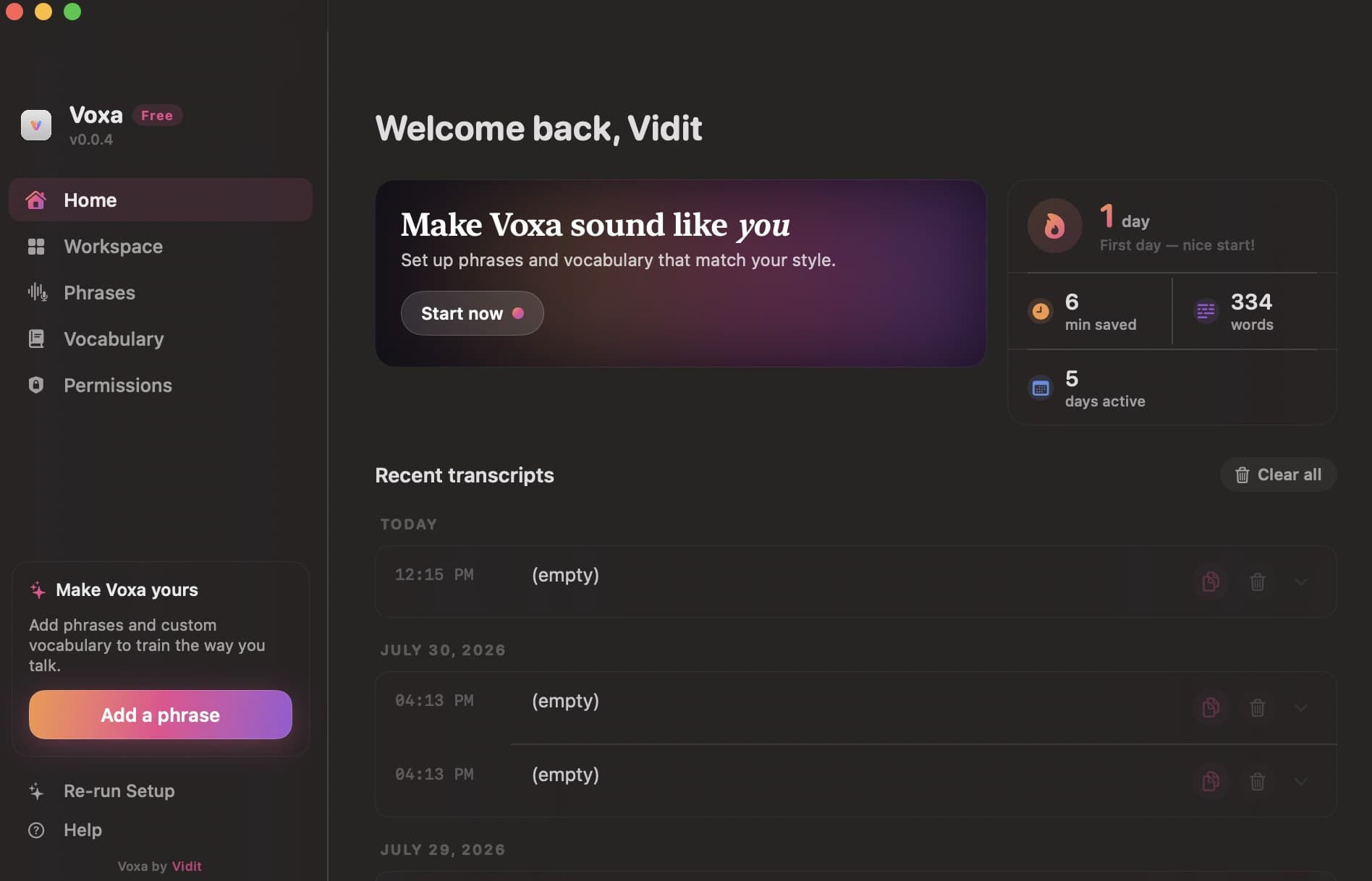
Phrases and custom vocabulary are the personalisation surface — dictation is only useful if it gets your words right.
Related results
Results
- viditparashar.meviditparashar.me › projects › conversational-agents
Conversational AI Platform — the layer other teams build voice and chat…
Case studyLive2026
1 Jul 2026 — … seems broken. Real conditions make it worse — compressed audio, a noisy line, and people who trail off mid-sentence. A working platform for building voice and chat…
- Python
- TypeScript
- Next.js
- Node.js
- LangChain
- LLMs
- +4 more
- viditparashar.meviditparashar.me › projects › ai-companion
AI Companion — a companion that listens and speaks at the same time
Case studyLive2026
1 Jun 2026 — a companion that listens and speaks at the same time. Half-duplex voice assistants take turns: you speak, they wait, they answer. Real conversation does not work that…
- Python
- TypeScript
- Next.js
- Node.js
- LangChain
- LLMs
- +4 more
- viditparashar.meviditparashar.me › experience › ainoviq
Full-stack and AI Engineer at Ainoviq (Blackngreen) (Mar 2026 – present)
Full-timeMar 2026 – present
1 Mar 2026 — Building AI products inside Blackngreen's AI division and running several at once — an AI companion on a full-duplex model, and the automation that now handles hiring,…